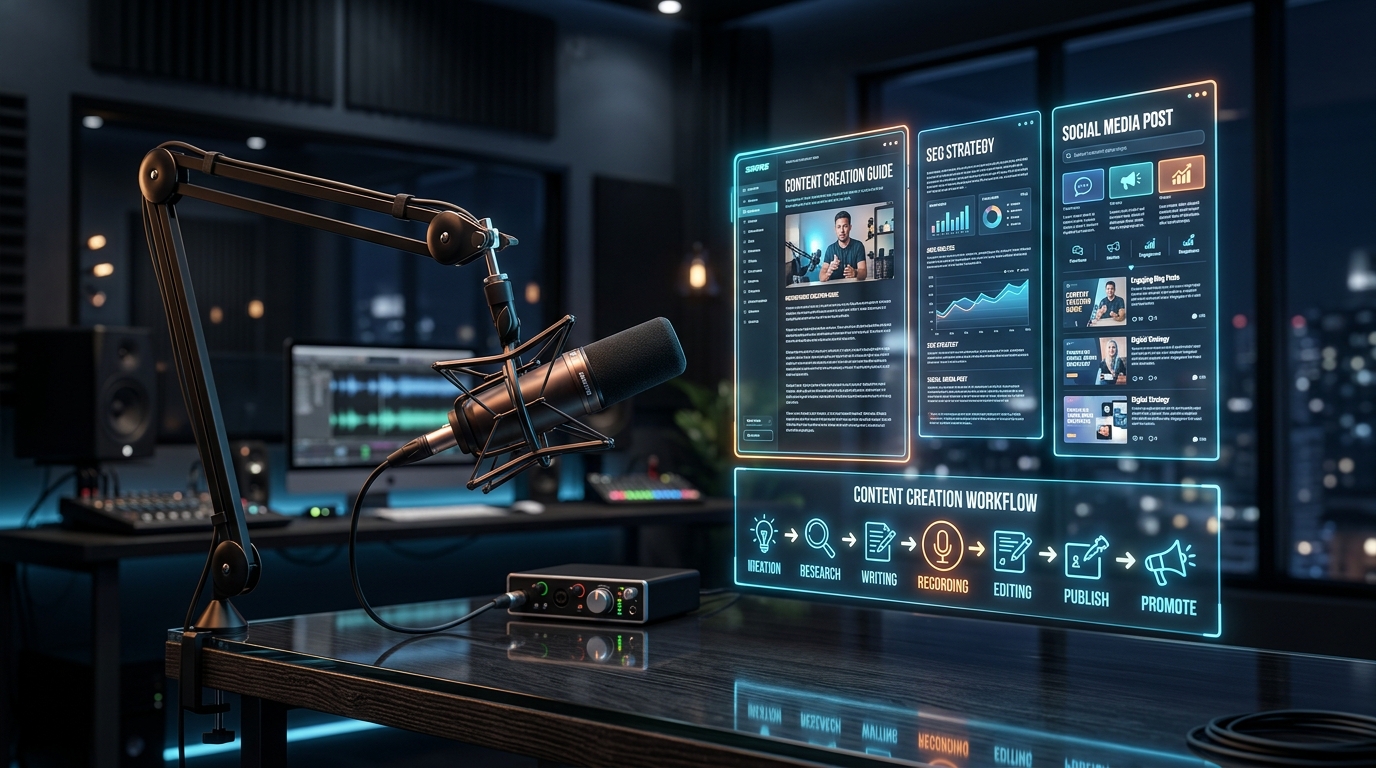
Podcasting is arguably the most powerful medium for building deep, parasocial audience trust. However, audio files suffer from a massive discoverability problem. Unless a user already subscribes to your RSS feed on Spotify or Apple Podcasts, your 2-hour masterclass is effectively invisible to Google Search crawlers.
If you are not converting your spoken content into structured text, you are leaving thousands of organic visitors on the table. In this comprehensive playbook, you will learn how to turn a 45-minute podcast episode into a high-ranking, 2,500-word SEO article. We will cover transcript extraction, JSON-LD Schema markup, and how to augment your article with visual AI generated B-roll.
1. Why Audio-Only Podcasts Lose 80% of Search Traffic
To understand the value of podcast repurposing, you must understand how people search the internet. While "audio search" (asking Siri or Alexa) is growing, over 80% of internet discovery still begins with a text-based search query on Google, Bing, or YouTube.
When a user types, "How to optimize a React application for speed", Google looks for HTML documents that contain specific semantic structures (H1 tags, H2 tags, bulleted lists, and dense keyword clusters) that answer the query. An MP3 audio file provides none of these signals.
Even if you discussed React optimization for an hour on your podcast, Google cannot confidently rank your podcast audio file above a well-structured text blog post. To win the SEO game, you must translate the audio medium into the text medium.
2. The 2026 SEO Landscape: Text vs Audio Indexing
With the rise of AI Overviews (formerly Google SGE) and AI search engines like Perplexity, structured text has become even more critical. AI bots do not "listen" to podcasts in real-time when answering user queries; they scrape indexed text. If your podcast transcript is not published on your blog, your insights cannot be cited by AI search assistants.
The Golden Rule of Repurposing
"Do not just copy and paste a raw transcript and call it a blog post. Raw spoken language is terrible to read. You must restructure the transcript into an editorialized article."
Step 1: High-Fidelity Transcription with Micro-Timestamps
The process begins with extracting the raw data. Start by uploading your raw podcast audio file (MP3 or WAV) to ScribeStamp Studio.
ScribeStamp automatically generates a perfect transcript using the Whisper Large v3 Turbo engine. More importantly, it generates word-level microsecond timestamps. Why are timestamps important for a blog post? Because if you want to embed a specific 30-second audio clip or video snippet natively into the blog post (a massive SEO ranking factor), you need to know exactly where that clip begins and ends in the source file.
Step 2: Content Structuring (Chapters to H2 Headings)
Once you have the raw transcript, you need an outline. Long podcasts often meander across various topics.
Use ScribeStamp's YouTube Chapters tab to automatically extract the main discussion points. The AI analyzes the transcript and creates logical breakpoints (e.g., 05:12 - The Problem with Next.js Routing).
You will take these exact chapter titles and convert them into your H2 (<h2>) subheadings for the blog post. This creates a highly readable, scannable structure. Furthermore, if you upload the video version to YouTube, using these same timestamps ensures cross-platform consistency (see our chapter generator guide).
Step 3: Rewriting for Readability & Flow
Humans speak in fragmented sentences, use filler words ("um," "like," "you know"), and often repeat themselves. If you publish a raw transcript, the bounce rate will be near 100%.
Use an LLM (like ChatGPT or Claude) to rewrite the text chunks under each H2 heading. Use a prompt similar to this:
Step 4: Inject Schema.org JSON-LD Structured Data
This is the secret weapon of advanced SEOs. Schema markup is hidden code in your website's <head> tag that tells Google exactly what the page is about.
For a repurposed podcast, you should inject three types of JSON-LD schema:
- Article / TechArticle: Defines the author, publish date, and publisher logo.
- AudioObject: Links Google directly to the MP3 file hosted on your podcast CDN, allowing Google to index the actual audio alongside the text.
- FAQPage: Extract 3 or 4 questions asked during the podcast and format them as an FAQ schema. This often results in Google awarding you "Rich Snippets" at the very top of the search results.
Step 5: Visual Augmentation (AI Prompts & Headers)
A 2,500-word wall of text is intimidating. You need visual breaks every 400 words to keep the reader scrolling.
Instead of using boring stock photos, use ScribeStamp's AI Image Prompts tab to extract visual scene prompts from your spoken audio. The engine will read the topic and generate Midjourney or Flux prompts. Generate 3 to 4 custom, cinematic images and place them throughout the article. Add descriptive alt tags to these images containing your target keywords for an extra SEO boost.
Step 6: Internal Linking & Keyword Density
Before publishing, ensure the article links to at least three other pieces of content on your website. This reduces bounce rate and distributes PageRank throughout your domain. For instance, if the podcast mentions video editing, link out to a related post on Premiere Pro subtitle syncing.
Step 7: Syndication & Indexing
Finally, publish the post on your CMS (WordPress, Next.js, Webflow). Do not wait for Google to find the page naturally. Go directly into Google Search Console, paste the URL into the search bar, and click "Request Indexing". This forces the crawler to index your new page immediately.
Next, embed the Spotify or YouTube player directly at the top of the blog post. Now, when organic search visitors find your article, they can hit 'Play', increasing your podcast downloads and YouTube watch hours simultaneously.
3. The 10x ROI of Repurposing
Recording a podcast takes hours of preparation, guest coordination, and editing. By spending an extra 20 minutes running the audio through ScribeStamp and following this 7-step playbook, you multiply the lifespan of that content from a 48-hour social media window to a multi-year organic traffic asset. Start turning your audio into an SEO engine today.