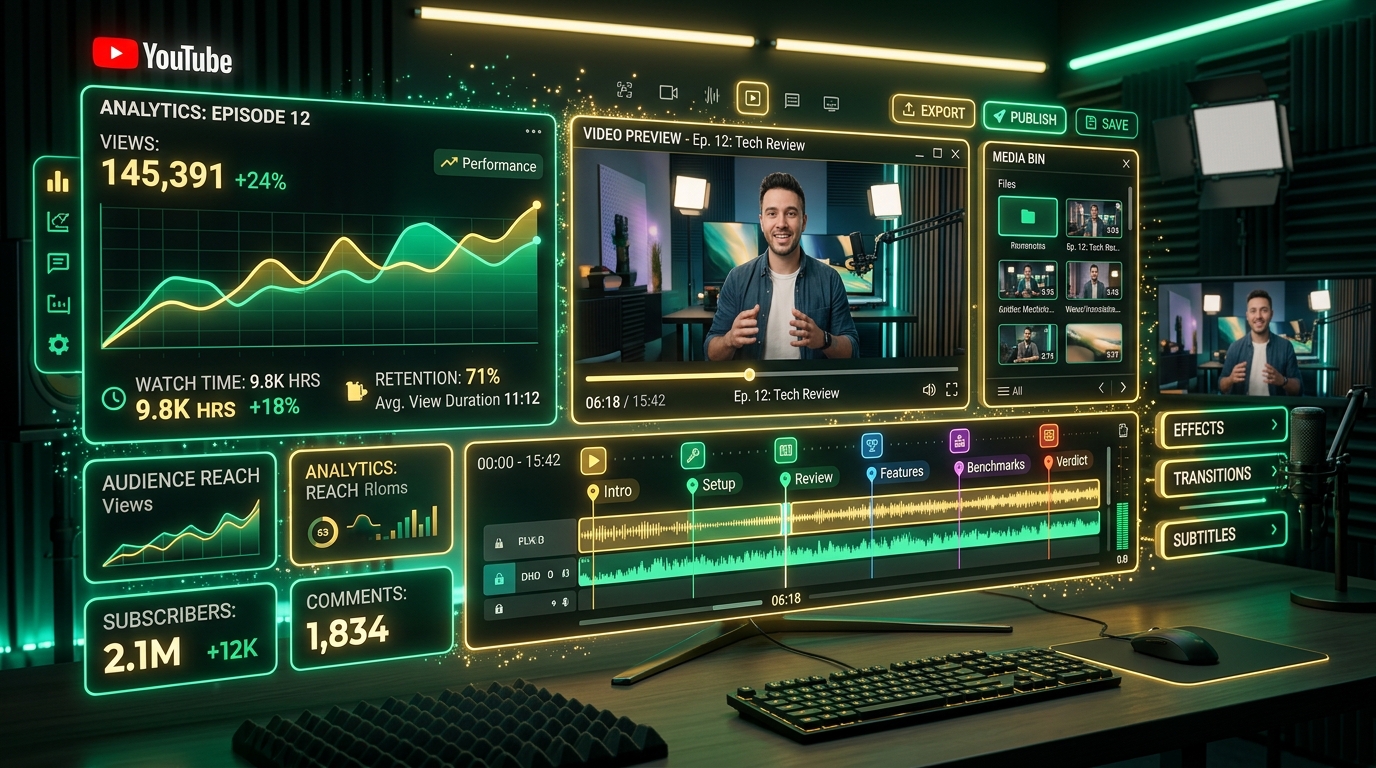
Adding video chapters to your YouTube videos is no longer an optional "nice-to-have" feature; it is a fundamental requirement for maximizing watch time, user retention, and Google Search rankings. However, manually listening to a 60-minute podcast episode or a long-form tutorial to note down exact topic shifts and timestamps is an exhausting, time-consuming process. By automating this workflow, you can reclaim hours of your day and focus on higher-leverage activities, such as converting your podcast into a fully-fledged SEO-optimized article.
1. Introduction: The Evolution of YouTube Video Metadata
In the early days of YouTube, video metadata was incredibly simple: a catchy title, a few sentences in the description, and a cluster of hidden keyword tags. The algorithm primarily relied on the video's initial click-through rate (CTR) and overall audience retention to determine if the video was "good."
As the platform matured and creators started uploading massively long videos (2-hour podcast episodes, 4-hour video game essays, and comprehensive coding bootcamps), audience behavior shifted. Viewers no longer wanted to scrub blindly through a timeline trying to find a specific piece of information. They wanted structure. They wanted an index.
In 2020, YouTube officially introduced Video Chapters. By simply typing a formatted list of timestamps in the video description, the YouTube video player automatically sliced the scrubber bar into distinct, labeled segments. This gave viewers the power to skip ahead to exactly what they cared about. Counter-intuitively, allowing viewers to skip parts of your video actually increased overall channel watch time, because viewers who found their answers quickly were more likely to subscribe and watch another video, rather than clicking away in frustration.
2. The Anatomy of a Perfect YouTube Chapter
A video chapter is effectively a bookmark. When the YouTube backend parses your video description, it uses regular expressions to look for specific timecode formats (like MM:SS or HH:MM:SS) immediately followed by text.
When it finds these lines, it triggers a UI update on the front-end player. Hovering over the red progress bar reveals the chapter title. Furthermore, Google processes these chapter titles through its Natural Language Processing (NLP) models to understand the contextual themes of your video. If your video is titled "How to Build a PC," and your chapters include "Installing the CPU," "Applying Thermal Paste," and "Wiring the Motherboard," the algorithm can confidently rank your video for dozens of peripheral search queries.
3. SEO Deep Dive: Google Search "Key Moments"
The most massive shift in video SEO occurred when Google Search began indexing YouTube chapters directly into Google Search Engine Results Pages (SERPs) as Key Moments.
If a user Googles "How to apply thermal paste," Google does not just serve them a random video. It serves them a specific video and highlights the exact timestamp where the creator begins talking about thermal paste. The user clicks the link and is dropped right into your video at 04:15.
- Direct Answer SERPs: Chapters allow your single long-form video to answer 10 different search queries simultaneously.
- Rich Snippet Dominance: Video results with Key Moments take up significantly more vertical real estate on mobile devices, pushing your text-based competitors down the page.
- Cross-Platform Linking: The timestamped links generated by YouTube can be shared directly on Twitter, Reddit, or embedded in your own blog posts.
4. Strict YouTube Timestamp Formatting Rules
To ensure YouTube successfully activates the chapter bars on your video timeline, your timestamps must obey YouTube's official criteria flawlessly. Even a single typo can break the entire list.
Here are the hardcoded rules enforced by YouTube's parser:
-
The Golden Rule: Must start at 00:00. If your list begins at
00:01or00:15, YouTube will ignore the entire list. The very first timestamp must denote the beginning of the video, usually labeled "Intro" or "Start." - Minimum of 3 Chapters: A list of two timestamps is not considered a chapter index. You must have at least three distinct timeline segments.
-
Minimum 10 Seconds per Chapter: You cannot place chapters too close together. If a chapter starts at
01:10, the next chapter cannot start earlier than01:20. Rapid-fire timestamps break the UI on mobile devices. -
Chronological Order: The timestamps must strictly ascend in time. If you accidentally write
05:30followed by04:20, the parser will fail.
5. The Manual Chaptering Nightmare (The Old Way)
Before AI and Large Language Models (LLMs), creating video chapters was a soul-crushing part of the video editing workflow.
Imagine you just finished recording and editing a 2-hour interview. To create chapters, you would have to open your video player, listen to the conversation in real-time (or maybe at 1.5x speed), and frantically pause playback every time the subject changes. You then type the timecode into a notepad, try to summarize the last 5 minutes of conversation into a 5-word title, and resume playback.
This process adds an extra hour of menial labor to every video upload. Because it is so tedious, many creators skip it entirely, leaving massive amounts of organic search traffic on the table.
6. Automating Chapters with ScribeStamp AI
With ScribeStamp, you never have to manually listen for topic shifts again. ScribeStamp handles the entire process autonomously by combining speech-to-text models with advanced natural language comprehension.
When you upload your audio to ScribeStamp, it first transcribes the audio using the best Whisper speech-to-text models available, ensuring microsecond accuracy on every spoken word (as detailed in our word-level timestamp guide).
Next, ScribeStamp feeds this highly accurate, timestamped transcript into an LLM (like GPT-4 or Claude). The AI is prompted to read the transcript and mathematically locate "Topic Shifts." When the conversation naturally pivots from discussing "Microphone setups" to "Lighting setups," the AI grabs the exact timestamp of that transition.
Step 1: Process Your Media
Drop your video or audio file into the ScribeStamp Studio. The engine will rip the audio, run it through Whisper Turbo, and generate the baseline transcript in seconds.
Step 2: Generate Chapters
Navigate to the YouTube Chapters tab in the Studio interface. ScribeStamp will instantly output a perfectly formatted list of 8 to 15 chapters, dynamically spaced out based on your video's length and pacing.
Step 3: Copy and Paste
Simply click "Copy" and paste the list directly into your YouTube Studio Description box. The 00:00 rule is automatically applied.
7. Writing Chapter Titles: Clickbait vs SEO
When generating chapter titles, it is important to understand the psychological difference between a viewer finding your video in Search versus a viewer watching your video after clicking a thumbnail.
- SEO Titles (The Smart Play): Search engines read your chapters. Therefore, naming a chapter "How to Bleed Brakes on a Honda Civic" is infinitely better than naming it "The Hard Part." ScribeStamp's AI is specifically prompted to generate SEO-rich titles by extracting the primary keywords discussed during that segment.
- Curiosity/Clickbait Titles: Some creators prefer naming chapters vaguely to preserve the surprise (e.g., "The Secret Reveal" or "My Biggest Mistake"). While this builds tension for the current viewer, it provides zero context to Google Search crawlers, severely crippling your organic reach.
8. Generating Descriptions and Full Video Metadata
Chapters are just one piece of the metadata puzzle. While you are in the ScribeStamp Studio, the AI can also generate a comprehensive, highly optimized YouTube Video Description.
Instead of writing a two-sentence description, ScribeStamp will output a 300-word summary of the video, a bulleted list of key takeaways, and suggested keyword tags. By filling out the first 3 lines of your description with keyword-dense, compelling copy, you drastically increase the likelihood that a viewer will click your video when it appears on the YouTube Homepage.
9. Troubleshooting: Why Are My Chapters Not Showing?
If you paste your chapters into YouTube and the progress bar doesn't split, check for these common issues:
Missing the 00:00 Start
Did you add text above the timestamps and accidentally delete the 00:00 line? It must be present, and it must be exactly zero.
Active Channel Strikes
YouTube silently disables video chapters for channels that have active community guideline strikes or copyright strikes. If your formatting is perfect but chapters aren't showing, check your YouTube Studio dashboard for warnings.
Less Than 1,000 Subscribers (Sometimes)
While not an official rule, brand new channels occasionally experience a delay in chapter activation until they build a history of reliable metadata and viewer trust.
10. Conclusion: Maximize Watch Time
Automating your YouTube chapters is one of the highest ROI actions you can take as a content creator. It instantly improves your video's SEO, secures your spot in Google Search "Key Moments," and provides a significantly better user experience for your audience.
Stop wasting hours scrubbing through timelines. Let ScribeStamp read your transcript, extract the context, and build your entire YouTube description in a matter of seconds. Next, consider generating visual assets automatically by reading our guide on creating AI b-roll from audio prompts.