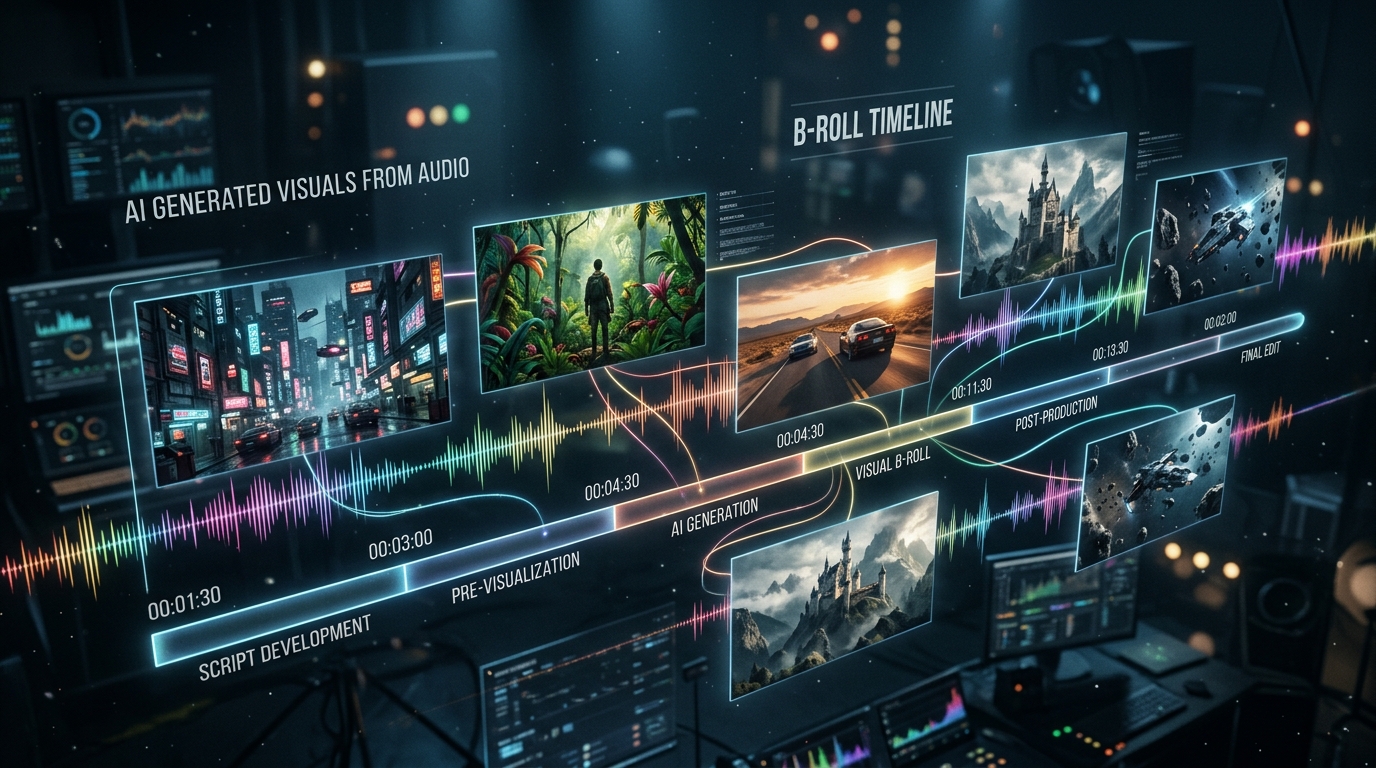
High-retention videos on YouTube, Instagram Reels, and TikTok rely heavily on dynamic B-roll footage every 3 to 5 seconds. If a talking head stays on screen for longer than 15 seconds without a visual cut, viewer retention drops exponentially. However, searching stock footage libraries or manually writing Midjourney prompts for a 10-minute video script can take hours.
In this masterclass guide, discover how to automate AI B-roll prompt extraction directly from your audio track, complementing the use of extracted AI image prompts, and convert those prompts into photorealistic cinematic video using Runway Gen-3 and FLUX.
1. The B-Roll Bottleneck in Modern Video Editing
Audience retention drops by up to 65% if a talking-head video does not introduce visual B-roll cuts. The "pattern interrupt" is a core psychological mechanism for holding human attention. Creating contextually relevant B-roll traditionally meant:
- Paying expensive monthly fees for generic stock footage sites (Artgrid, Storyblocks, Envato).
- Manually reading scripts to brainstorm visual metaphors for abstract concepts (e.g., "how do I visualize financial compounding?").
- Spending hours tweaking text prompts in Discord or AI image web generators to get the "right look".
2. The Economics of Gen-AI vs Stock Footage
Stock footage is limited by physical reality. If your podcast guest talks about "a neon-lit cyberpunk samurai playing chess against an alien," no stock footage site on earth has that exact clip. You have to compromise.
Generative AI allows editors to instantly summon hyper-specific, zero-compromise visual assets. Economically, running a localized FLUX.1 model or paying $30/mo for Midjourney Pro yields infinitely more tailored B-roll per dollar spent compared to traditional licensing models.
3. How ScribeStamp Extracts Spoken Audio Scenes
The most time-consuming part of AI B-roll is figuring out what to prompt. ScribeStamp solves this by analyzing your transcript alongside its word-level microsecond timestamps.
Using an embedded LLM, ScribeStamp reads the semantic context of a 15-second audio block. If the speaker discusses "cloud computing infrastructure," ScribeStamp automatically generates an optimized image generation prompt (e.g., "glowing fiber optic data servers") and maps it to the exact timestamp where the speaker begins talking about the topic.
4. Midjourney v6 Prompt Engineering Recipes
When ScribeStamp generates prompts for Midjourney v6, it utilizes a strict, highly optimized taxonomy to guarantee cinematic output. Midjourney v6 responds best to natural language combined with technical camera jargon.
Notice the structure: [Subject] + [Environment] + [Lighting] + [Camera Lens/Format] + [Parameters]. By enforcing this structure, ScribeStamp ensures the generated B-roll looks like a $100,000 Hollywood production, rather than cheap clip-art.
5. FLUX.1 Prompt Engineering Recipes
FLUX.1 (by Black Forest Labs) operates differently from Midjourney. It is remarkably good at adhering to extremely long, descriptive prompts and rendering legible text on screen.
If a podcast speaker mentions a specific brand or sign, ScribeStamp can output a FLUX prompt like: "A hyper-realistic 4k photograph of a glowing neon sign in a rainy Tokyo street that says 'SCRIBESTAMP' in bold purple letters. Shallow depth of field, cinematic lighting, reflections in puddles."
Because FLUX can be run locally via ComfyUI, you can automate this entire pipeline by sending ScribeStamp's extracted prompts via API directly to your local GPU, generating a folder full of images while you sleep.
6. Animating Still B-Roll with Runway Gen-3 Alpha & Luma
Still images are great, but moving video is king. Take the cinematic stills generated by Midjourney or FLUX, and feed them into image-to-video generators like Runway Gen-3 Alpha or Luma Dream Machine.
When animating, use the first frame (the still image) as your anchor, and provide a motion prompt. Runway Gen-3 excels at camera movements. Use prompts like:
- "Slow drone push-in, cinematic movement, dust motes floating in the air."
- "FPV drone diving through the server rack, hyper-speed, motion blur."
- "Slow pan left, parallax effect, subject remains static."
7. Upscaling & Color Grading AI Video
Most AI video generators output 720p or 1080p files at 24fps. To integrate these into a high-end 4K YouTube timeline, you must upscale them. Tools like Topaz Video AI use neural networks to upscale 1080p Runway clips to crisp 4K 60fps files.
Additionally, apply a uniform LUT (Look-Up Table) or Film Print Emulation (like Kodak 2383) across all your AI clips in DaVinci Resolve to bind them together under a cohesive cinematic color grade.
8. Syncing AI B-Roll Back to NLE Timelines
The magic of the ScribeStamp pipeline lies in the metadata. Because ScribeStamp provides exact timestamps alongside every generated prompt, you know exactly where to place the final Runway Gen-3 video clip on your timeline.
Simply drag your generated AI B-roll video clip straight to the exact timestamp location on your Premiere Pro, DaVinci, or CapCut timeline! The B-roll will hit the screen at the exact microsecond the speaker mentions the visual subject. For more tips on syncing clips and captions to prevent drift, refer to our Premiere Pro and DaVinci Resolve Sync Guide.