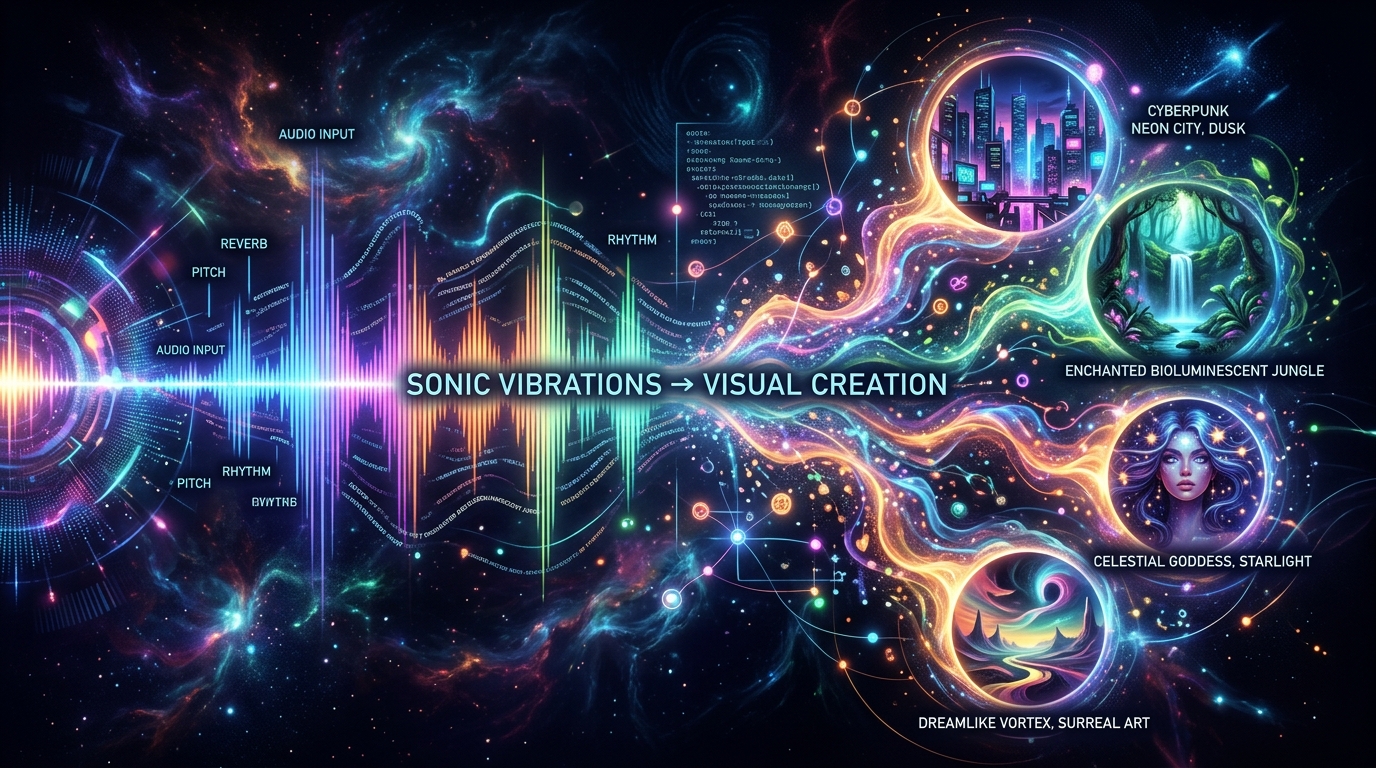
Creating high-retention video podcasts or educational content requires dynamic visual changes every 3 to 5 seconds. Traditionally, editors relied on generic stock footage platforms to supply this B-roll. Today, generative AI models like Midjourney and Flux can create bespoke, highly specific imagery for your videos. But there is a massive bottleneck: manually writing 50 to 100 complex image prompts for a 20-minute video is incredibly tedious.
With ScribeStamp, you can convert spoken audio scenes into high-resolution visual prompts automatically. In this massive 2026 guide, we will explore exactly how natural language processing (NLP) bridges the gap between spoken word and visual art, how to structure the perfect prompts for both Midjourney and Flux, and how to automate this entire workflow. This fits perfectly with our automated AI b-roll generation strategies.
1. Introduction: The B-Roll Problem in Modern Video
If you look at the most successful YouTube channels or TikTok accounts in the educational or storytelling niches, you will notice a recurring pattern: the speaker is rarely on screen for more than 10 seconds at a time. The video constantly cuts to B-roll, charts, animations, and cinematic imagery. This constant visual novelty resets the viewer's attention span, preventing them from clicking away.
For independent creators, sourcing this much B-roll is a nightmare. Stock footage subscriptions are expensive, and the footage itself is often generic (e.g., "businessmen shaking hands"). Generative AI solved the quality and specificity problem. However, generating AI images requires Prompt Engineering—a skill that involves crafting highly technical text descriptions of lighting, camera angles, and art styles.
If a podcaster spends 30 minutes talking about the history of the Roman Empire, an editor might need 60 unique images to cover the audio. Writing 60 prompts manually takes hours. We need an automated bridge between the audio transcript and the image generator.
2. The AI Image Landscape: Midjourney vs Flux
Before we automate the prompts, we must understand the target engines. As of 2026, the two undisputed kings of AI image generation are Midjourney and Flux.
- Midjourney (v6+): Renowned for its unparalleled cinematic aesthetics, artistic coherence, and photorealism. Midjourney thrives on highly structured, tag-based prompts. It excels at atmospheric lighting, gritty textures, and stylized portraits. It requires a Discord interface or API integration to run.
- Flux (Pro & Schnell): The open-weight powerhouse developed by Black Forest Labs. Flux is famous for its incredible prompt adherence and ability to render perfect text inside images. Unlike Midjourney, Flux prefers natural language sentences rather than comma-separated tags. It can be run locally on powerful GPUs or via cloud APIs.
Because these two engines respond differently to text inputs, a generic prompt like "a Roman soldier" will yield inconsistent results. An automated prompt extractor must know which engine it is targeting to format the syntax correctly.
3. The Gap Between Audio and Visuals
The core challenge of converting audio to an image prompt is that human speech is inherently non-visual.
If a podcast host says: "The market crash of 2008 completely wiped out the savings of the middle class, leaving millions stranded in debt."
If you paste that exact transcript line into Midjourney, the AI will likely generate a confused, metaphorical mess—perhaps a literal car crash with money flying around.
An image generator needs physical descriptors: subject, environment, lighting, medium. To bridge this gap, we must use a Large Language Model (LLM) to act as a translator. The LLM reads the abstract spoken concept and "imagines" a cinematic scene that represents the concept, then translates that scene into technical prompt syntax.
4. How ScribeStamp Scene Extraction Works
ScribeStamp automates this translation process flawlessly through a multi-step NLP pipeline:
Phase 1: Word-Level Transcription
First, your audio is transcribed using our Whisper-powered engine. Crucially, the transcript contains exact microsecond timestamps for every word.
Phase 2: Temporal Chunking
The LLM divides the transcript into logical "scenes" based on topic shifts and time duration. It ensures that a new visual prompt is generated every 15 to 30 seconds of spoken audio, perfectly pacing the B-roll for a video editor.
Phase 3: Visual Translation
The LLM reads the chunk of text and uses a highly constrained system prompt to generate a visual description. It is instructed to select a global aesthetic (e.g., "Cinematic Documentary," "Cyberpunk Anime," or "Minimalist Vector Art") to ensure visual consistency across the entire video.
Phase 4: Syntax Formatting
Finally, the engine formats the output based on your preference (Midjourney tags or Flux natural language) and attaches the exact start timestamp to the prompt.
5. The Anatomy of a Perfect Midjourney Prompt
When ScribeStamp targets Midjourney, it structures the prompt using the widely accepted "Subject + Environment + Lighting + Camera + Style + Parameters" formula.
Notice the parameters at the end. --ar 16:9 ensures the image perfectly fits a YouTube timeline without black bars. --style raw reduces Midjourney's default "plastic" aesthetic, providing a more grounded, documentary feel.
6. The Anatomy of a Perfect Flux Prompt
If you select Flux as your target engine, ScribeStamp rewrites the output entirely. Flux uses a massive T5 text encoder, meaning it understands highly descriptive, grammatically correct paragraphs better than comma-separated lists.
Because Flux is so literal, this paragraph structure ensures the model places the glowing monitors exactly on the desk and the blue light on the server racks, preventing subject bleeding (a common issue in older AI models).
7. Real-World Audio to Image Examples
Let's look at how the ScribeStamp extraction engine handles abstract, non-visual concepts by converting them into metaphors.
Example: The Abstract Concept
"The stock market is completely driven by fear right now, investors are just running for the exits."
Prompt: A cinematic shot of a chaotic Wall Street trading floor bathed in harsh red emergency lighting. Traders in suits looking panicked, papers flying in the air, motion blur, dramatic shadows, photorealistic, 8k --ar 16:9
Example: The Historical Narrative
"When the plague hit Europe, the streets were completely abandoned."
Prompt: A wide tracking shot of an empty medieval European cobblestone street covered in thick fog. Wooden carts abandoned on the side, dark muted color palette, cinematic lighting, grim atmosphere, photorealistic historical recreation --ar 16:9
8. Generating 100 Prompts in 1 Click
The true power of this system is scale. When you use the AI Image Prompts tab in the ScribeStamp Studio:
- You select your desired target engine (Midjourney or Flux).
- You select your global aesthetic (e.g., Photorealistic, 2D Vector, 3D Pixar Style, Cyberpunk).
- You select the frequency (e.g., Generate a prompt every 15 seconds).
With one click, the system generates a massive JSON or CSV file containing 100+ timestamped prompts. You can review them, tweak them, or copy them in bulk.
9. Workflow: From Image to Video Editor (CapCut)
Once you have your prompts, the final step is generating the art and bringing it into your editing timeline.
- Batch Generate Images: If you are using an API-connected tool or a local Flux ComfyUI workflow, you can feed the exported prompt CSV into an automated batch queue to generate all 100 images while you sleep.
-
Import to CapCut/Premiere: Drop the generated images into your video editor. Because ScribeStamp provided the exact start timestamp for every prompt (e.g.,
04:15.200), you know exactly where to place each image on the timeline. - Apply Ken Burns: Static images look boring in video. Apply a slow "Zoom In" or "Pan Right" keyframe animation to every image to give the illusion of video movement.
- Overlay Captions: Drop your CapCut Tuned SRT subtitles on the layer above the images. You now have a highly engaging, fully visual video podcast ready for YouTube.
10. Conclusion: The Visual Future of Audio
Audio is no longer enough to hold a digital audience's attention. To grow on YouTube, Spotify Video, or TikTok, you must pair your spoken words with compelling, high-quality visuals.
By leveraging ScribeStamp's AI Scene Extraction, you bypass the most grueling part of the creative process—writing prompts—and immediately get to the fun part: generating stunning art and editing a masterpiece. Ready to try it? Upload your first audio file to the ScribeStamp Studio and watch the AI paint your words into reality.