For decades, speech-to-text transcription was a blunt instrument. Traditional transcription tools (and human transcriptionists) only provided general timestamp markers at the paragraph or, at best, the sentence level. For readers skimming a text document, this was sufficient. However, for video editors, podcast producers, software engineers building interactive media players, and animators, sentence timestamps are entirely inadequate.
The modern creator economy demands precision. Unlocking word-level microsecond timestamps enables entirely new workflows—from seamless integration with syncing subtitles across DaVinci Resolve and Premiere Pro, to generating kinetic typography in CapCut, to algorithmically editing out filler words. In this comprehensive guide, we will break down the math, the AI architecture, and the JSON data structures that make word-level timestamping possible.
1. Introduction: The Timestamp Revolution
To understand the magnitude of word-level timestamps, we must first look at the legacy format. Traditional Closed Captions (like CEA-608) were designed for broadcast television. The goal was simply to display a block of text on the screen while the actors were speaking. A typical caption block might cover a 5-second window.
As digital content evolved on platforms like YouTube and TikTok, viewer behavior changed. Short-form video popularized the "Alex Hormozi style" of kinetic typography, where only one or two words appear on the screen at a time, exactly synced to the speaker's cadence. Furthermore, developers building interactive transcripts for podcasts wanted users to be able to click on a specific word in the text and instantly jump the audio player to that exact syllable.
Neither of these applications is possible with sentence-level timestamps. If you only know that a sentence starts at 00:15 and ends at 00:20, you have no algorithmic way to know exactly when the 7th word in that sentence was spoken. You could attempt to guess by dividing the total duration by the number of words, but human speech is not linear; we pause, we stutter, and we change our speaking pace mid-sentence. We need exact, AI-driven word boundaries.
2. The Math: Milliseconds vs Microseconds
When dealing with word-level boundaries, precision is everything. Let's break down the units of time measurement used in audio processing:
- Seconds (s): The base unit of time. (e.g.,
1.0s) - Milliseconds (ms): One-thousandth of a second. Video frames at 30fps last for 33.3ms. Traditional SRT files measure time down to the millisecond (e.g.,
00:00:01,250). - Microseconds (μs): One-millionth of a second. High-fidelity audio processing engines calculate speech boundaries at this level to prevent compounding drift over long recordings.
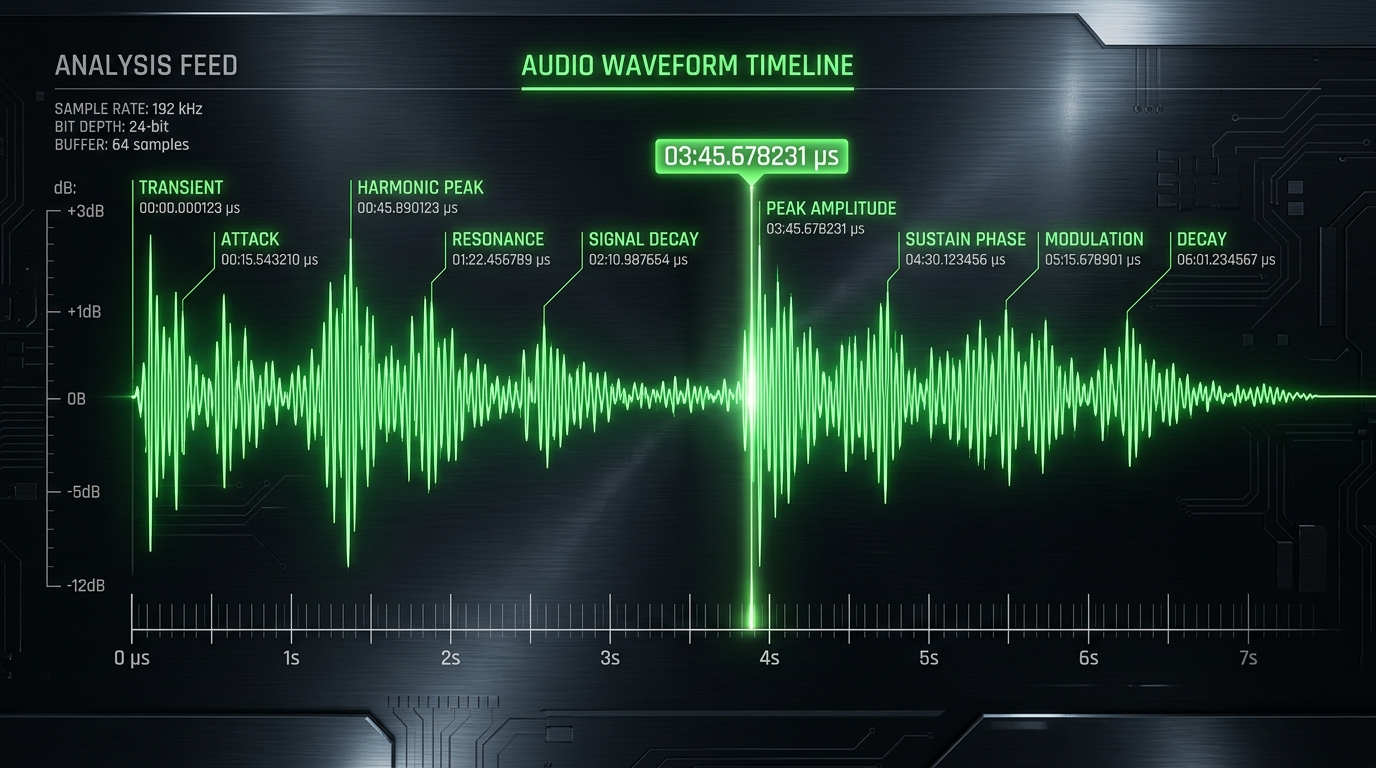
In standard conversational English, the average speaking rate is roughly 150 words per minute, or 2.5 words per second. This means the average word lasts about 400 milliseconds. However, short filler words ("a", "the", "is") might only last 80 to 100 milliseconds. If your timestamping engine is only accurate to a tenth of a second (100ms), it could entirely miss the start and end boundaries of short words, causing visual text animations to desync from the audio track. ScribeStamp calculates these boundaries at the microsecond level to guarantee absolute phase alignment.
3. How AI Models Map Audio to Text Tokens
Generating word-level timestamps is a complex engineering challenge. How does a computer know where a word starts and stops? This is achieved through a combination of Acoustic Models, Language Models, and Forced Alignment algorithms.
Modern Transformer-based models, such as OpenAI's Whisper (which we benchmark in our Whisper speech-to-text review), operate by converting raw audio waveforms into a mathematical representation called a Log-Mel Spectrogram. The neural network then passes a sliding window over this visual representation of the audio to predict which text "tokens" (sub-words or characters) are being spoken at specific timeframes.
Once the raw text is generated, a secondary process called Forced Alignment occurs. The alignment engine takes the generated transcript and the original audio file, and mathematically matches the phonemes (the distinct sounds of the language) in the text back to the audio waveform. Because the engine knows what a "P" sound and an "S" sound look like on the spectrogram, it can drop exact microsecond timestamp pins at the start and end of every single word.
4. Sentence-Level vs Word-Level Timestamps
To visualize the difference, look at how the data is structured. Here is what a traditional sentence-level timestamp block looks like:
Now, compare that to a highly granular word-level timestamp array:
This level of granularity is the baseline requirement for building next-generation audio and video applications.
5. Interactive Audio Scrubbing & Playback
One of the most powerful implementations of word-level timestamps is in web-based media players. Platforms like Spotify and Apple Podcasts are increasingly offering interactive transcripts. When a user reads a transcript on a webpage, they can click on any individual word.
Because the front-end application has access to a JSON payload containing the start timestamp for that specific word, clicking the word triggers a JavaScript function (e.g., audioElement.currentTime = word.start_time), instantly jumping the playhead to that exact millisecond. Furthermore, as the audio plays, the application can read the current time of the playhead and dynamically highlight the word on the screen in real-time, creating a Karaoke-style reading experience. This dramatically increases user engagement and accessibility.
6. Deep Dive: The JSON Timestamp Payload
If you are a developer looking to integrate ScribeStamp's API into your application, you will be working primarily with JSON payloads. When you request word-level timestamps, the API returns a structured array of objects. Each object represents a single spoken word and contains crucial metadata.
{
  "text": "Welcome back",
  "words": [
    {
      "word": "Welcome",
      "start": 1.200,
      "end": 1.650,
      "confidence": 0.998,
      "speaker_tag": 1
    },
    {
      "word": "back",
      "start": 1.660,
      "end": 1.900,
      "confidence": 0.985,
      "speaker_tag": 1
    }
  ]
}
- word: The string of text representing the spoken token, including any attached punctuation (like commas or periods).
- start / end: The precise floating-point timecodes (in seconds) denoting the word boundaries.
- confidence: A probability score from 0.0 to 1.0 indicating how certain the neural network is that it correctly transcribed the word. Values below 0.6 often indicate heavy background noise, mumbling, or complex jargon.
- speaker_tag: If speaker diarization is enabled, this integer identifies which person in a multi-speaker conversation is talking.
7. SRT vs VTT Formats for Micro-Timings
While developers love JSON, video editors require standardized subtitle files like SRT (SubRip Subtitle) or WebVTT.
The SRT Challenge: SRT is an incredibly old format. It does not natively support inline word-level styling (you cannot tell an SRT file to highlight a specific word in green halfway through the block). To achieve word-level timing via SRT, the file must be generated such that every single word is its own separate caption block. This results in SRT files that are thousands of lines long. While Premiere Pro can handle this, CapCut's strict line limits often break when importing these micro-blocks unless they are tuned by ScribeStamp.
The WebVTT Advantage: WebVTT (Web Video Text Tracks) is a modern HTML5 standard. It natively supports inline timestamps using angle brackets. For example:
This allows a single WebVTT block to contain an entire sentence, while still providing the exact micro-timings for every word inside that sentence. This is the preferred format for web developers building accessible HTML5 video players.
8. Dynamic Typography Workflows (CapCut, Premiere)
For video editors, word-level timestamps are the holy grail of short-form content creation (TikTok, YouTube Shorts, Instagram Reels).
When you import a word-level SRT file into CapCut or DaVinci Resolve, each word becomes an independent text keyframe on your timeline. This allows you to apply bulk animations. For instance, you can highlight all text blocks, apply a "Pop In" animation lasting 0.1 seconds, and set the font to a bold, heavy typeface with a black drop shadow.
Because every word is mathematically synced to the audio waveform, the text visually "pops" onto the screen at the exact microsecond the speaker pronounces it. This kinetic motion creates a visual anchor for the viewer, drastically increasing watch time and preventing them from swiping away. ScribeStamp's dedicated CapCut Tuner algorithmizes this exact workflow so you don't have to manually edit thousands of blocks.
9. Automated Video Editing & Filler Word Removal
The ultimate endgame of word-level timestamps is automated, destructive video editing.
If an AI knows exactly when the word "um" or "uh" was spoken (e.g., from 02:14.500 to 02:15.100), software can automatically generate an EDL (Edit Decision List) or XML file that instructs Premiere Pro to execute a ripple delete at that exact timestamp.
Furthermore, by analyzing the gap times between the end timestamp of one word and the start timestamp of the next word, the AI can detect "dead air." If a podcast guest pauses for 4 seconds to think of an answer, ScribeStamp's timestamps reveal a 4.0s gap between tokens. A script can easily slice that gap down to a punchy 0.5 seconds, instantly tightening the pacing of a 2-hour podcast into a highly engaging flow—saving the human editor dozens of hours of manual razor-tool cutting.
10. Conclusion: The Future of Audio Processing
Sentence-level transcription is dead. As AI models become faster and more computationally efficient, word-level microsecond timestamps are becoming the default standard across the entire media industry.
Whether you are building the next big podcast app with interactive transcripts, editing viral short-form videos with kinetic typography, or algorithmically removing dead air from massive audio files, precision timing is the foundation you must build upon.
With ScribeStamp Studio, you can drag and drop your media files and extract perfect, mathematically aligned word-level timestamps in seconds. Ready to push your content further? Check out our guide on how to use audio scenes to generate Flux and Midjourney image prompts to create stunning visual b-roll for your perfectly synced audio.