How to Export SRT Subtitles to CapCut Without Truncation (2026 Guide)
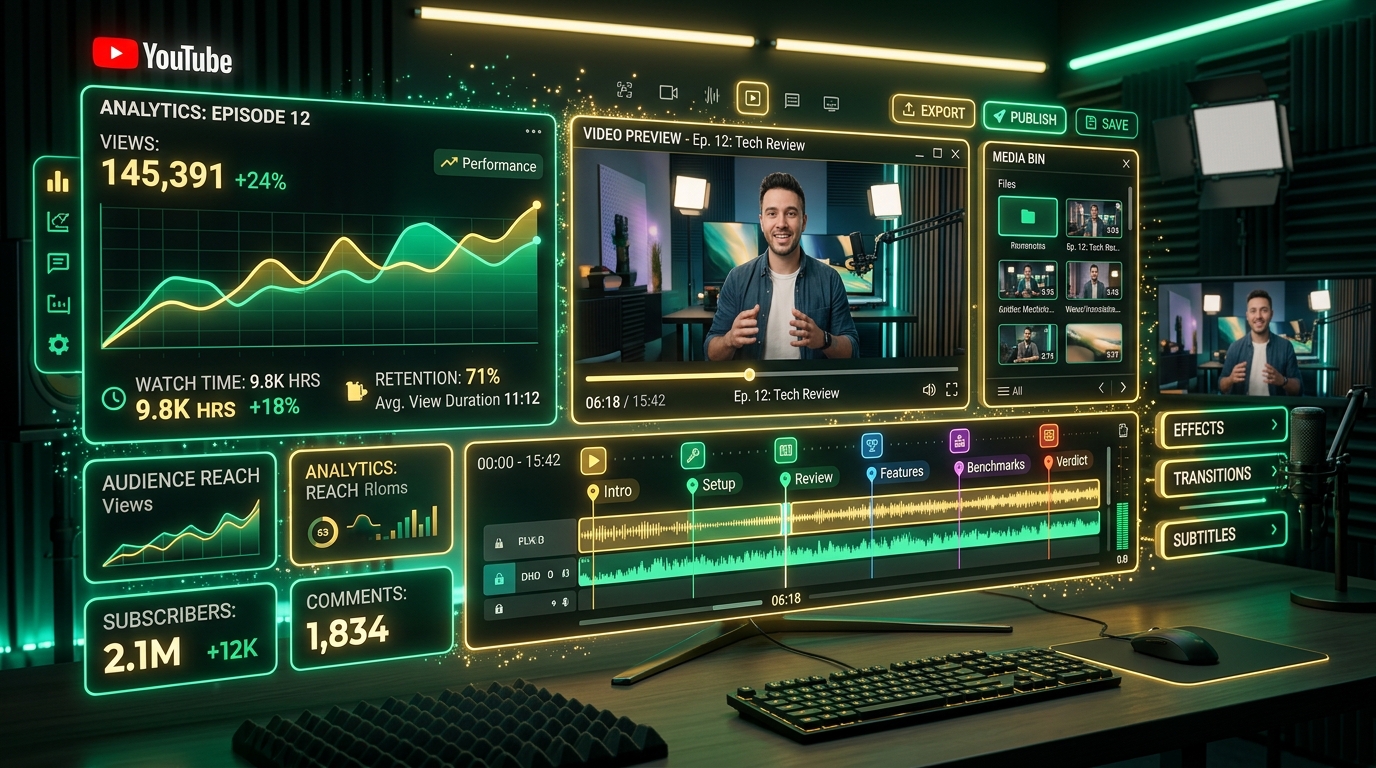
Learn how to format and export SRT subtitle files for CapCut Desktop & Mobile without sentence truncation, timing gaps, or 42-character line cuts.
In-depth technical guides for video editors, YouTubers, podcasters, and content teams. Learn how to optimize CapCut SRT subtitles, automate YouTube video chapters, and master word-level microsecond timestamps.

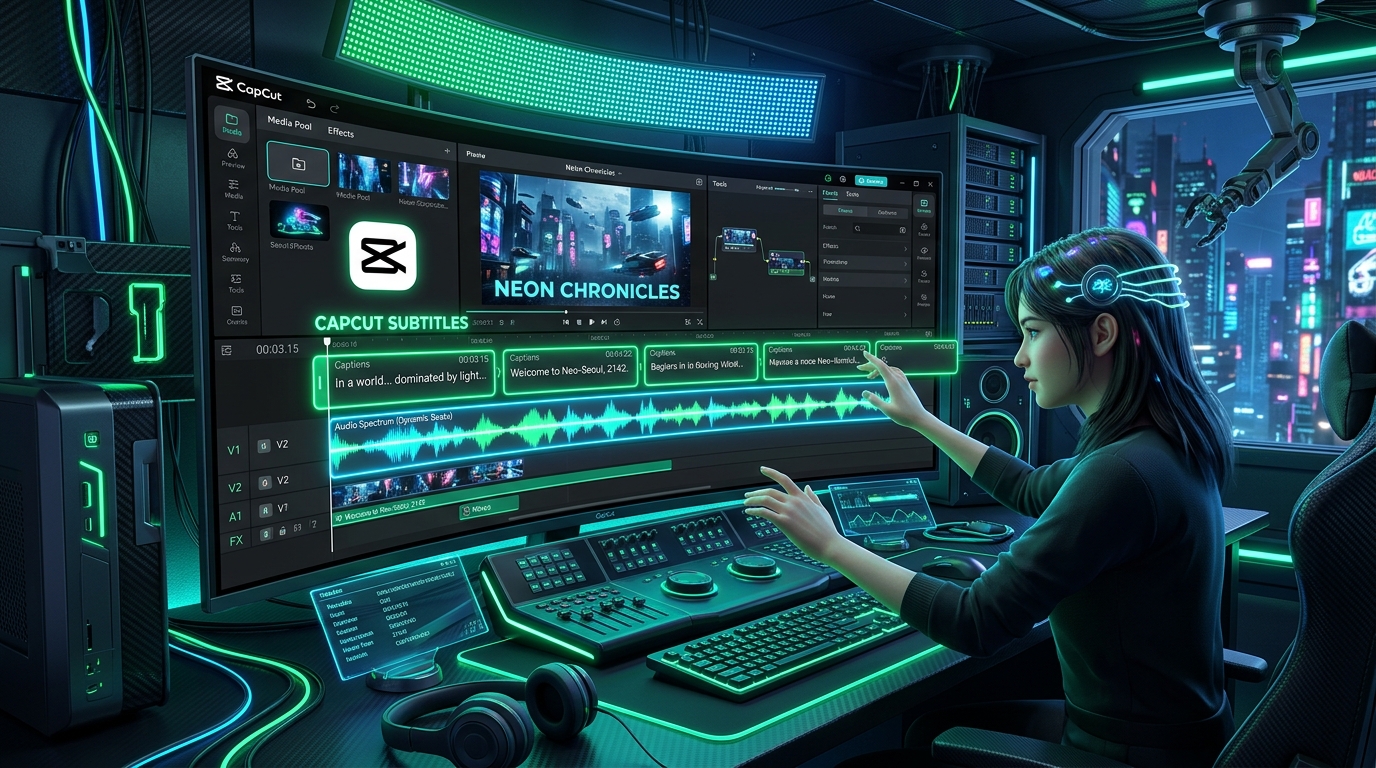
Learn how to format and export SRT subtitle files for CapCut Desktop & Mobile without sentence truncation, timing gaps, or 42-character line cuts.

Discover how to convert podcast and video audio into structured YouTube chapters (00:00 Intro), clickbait titles, and SEO-optimized descriptions.

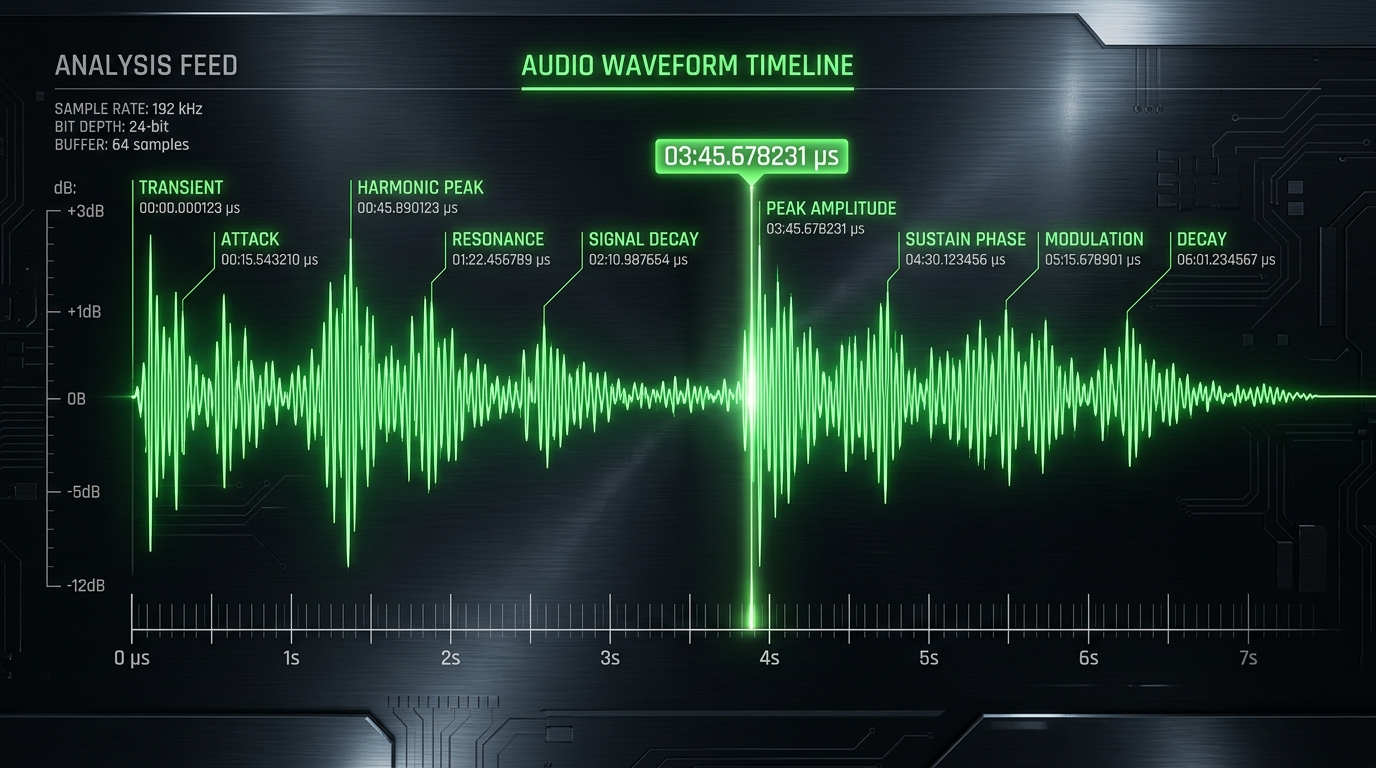
Learn how word-level microsecond timestamps work in speech recognition, how to scrub audio playback in real time, and format SRT, VTT, and JSON files.

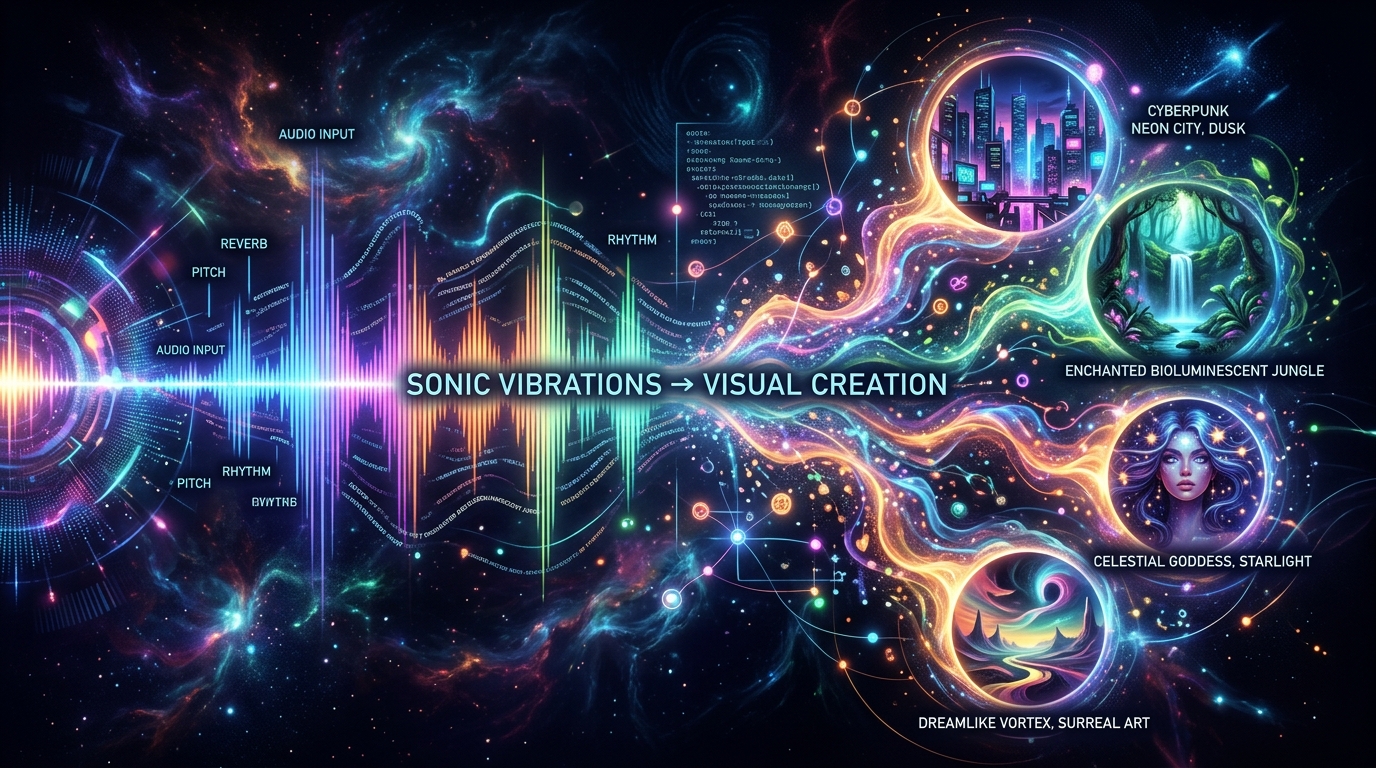
Learn how to turn spoken podcast audio and video scripts into rich visual scene descriptions and text-to-image prompts for Flux, Midjourney, and Stable Diffusion.

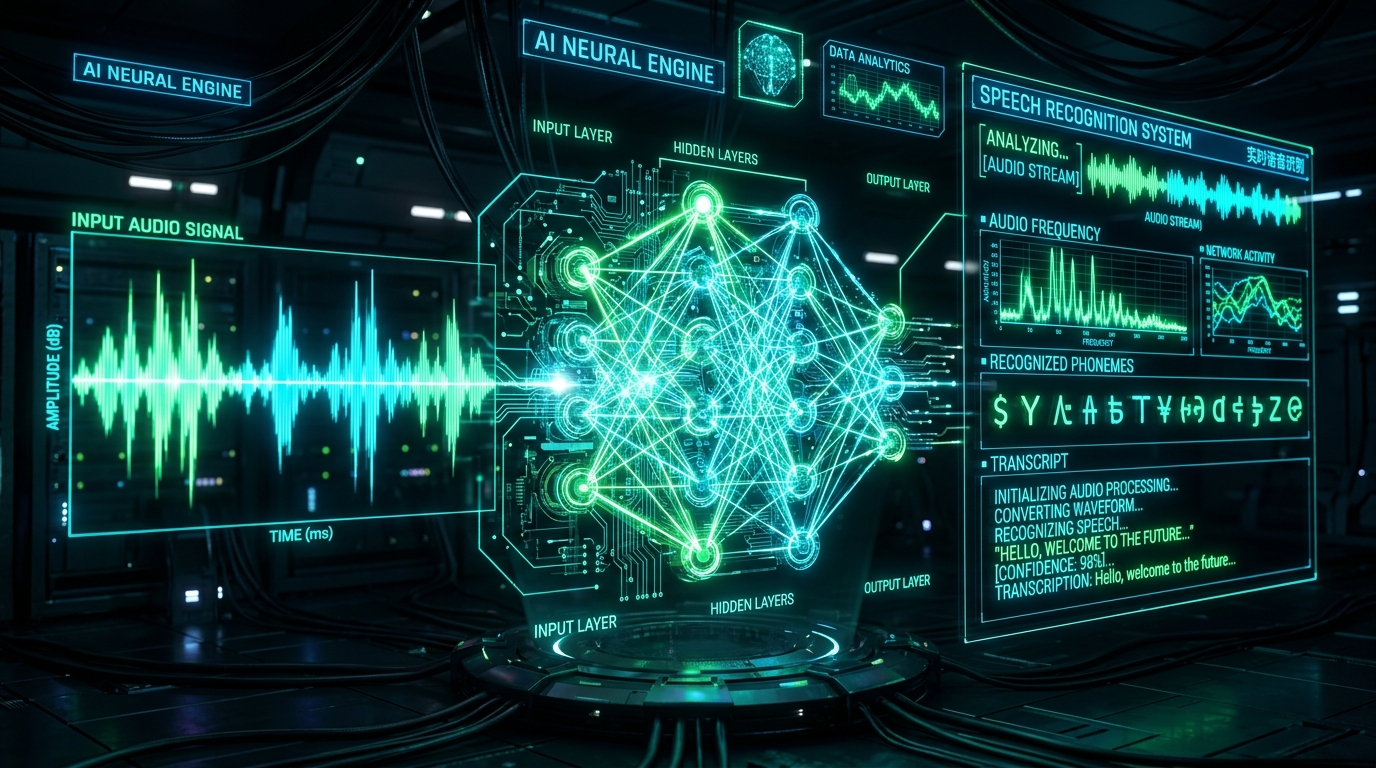
An exhaustive 2026 benchmark guide comparing OpenAI Whisper Large v3, Turbo, and Cloud speech recognition engines for speed, accuracy, word timestamps, and multi-language support.

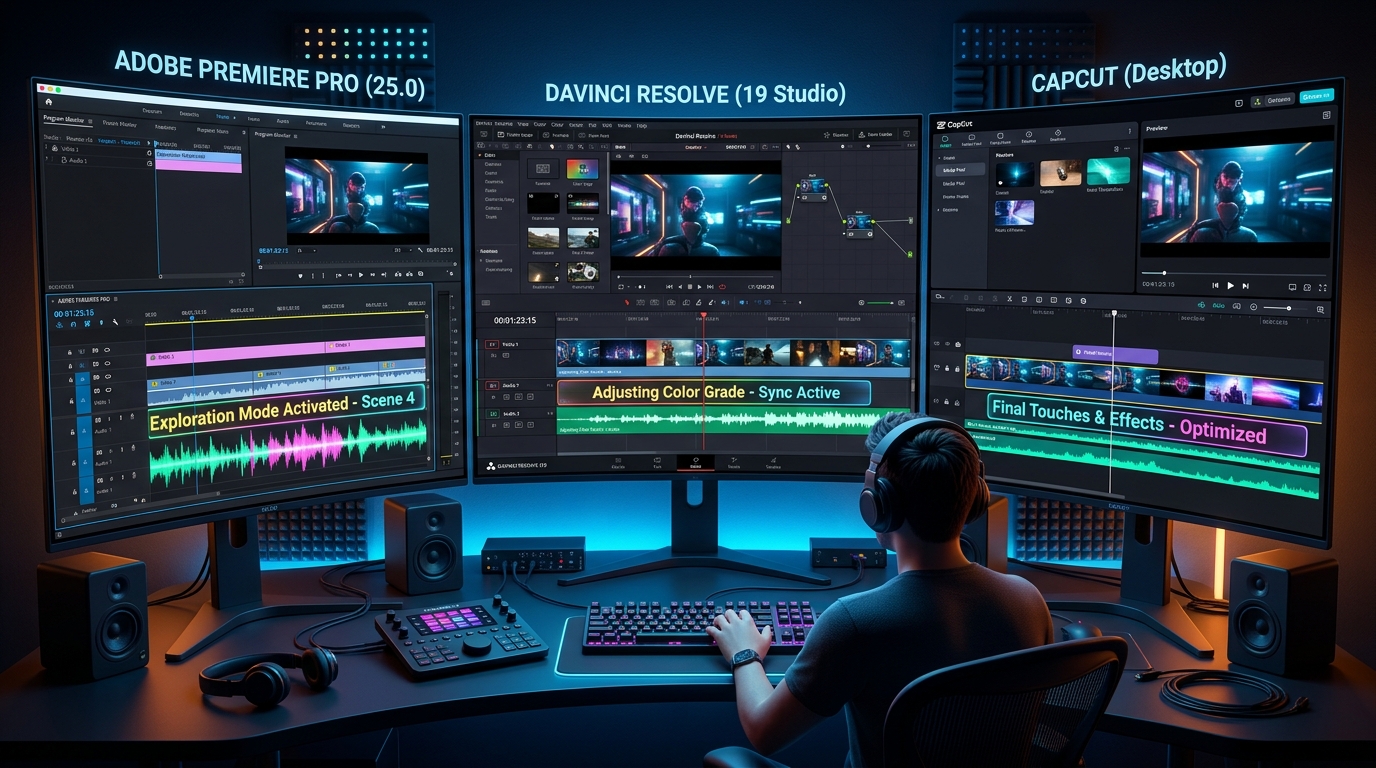
Master multi-NLE subtitle workflows. Learn how to fix framerate timecode drift (23.976 fps vs 29.97 fps), import SRT files into Premiere, DaVinci, and CapCut without timing errors.

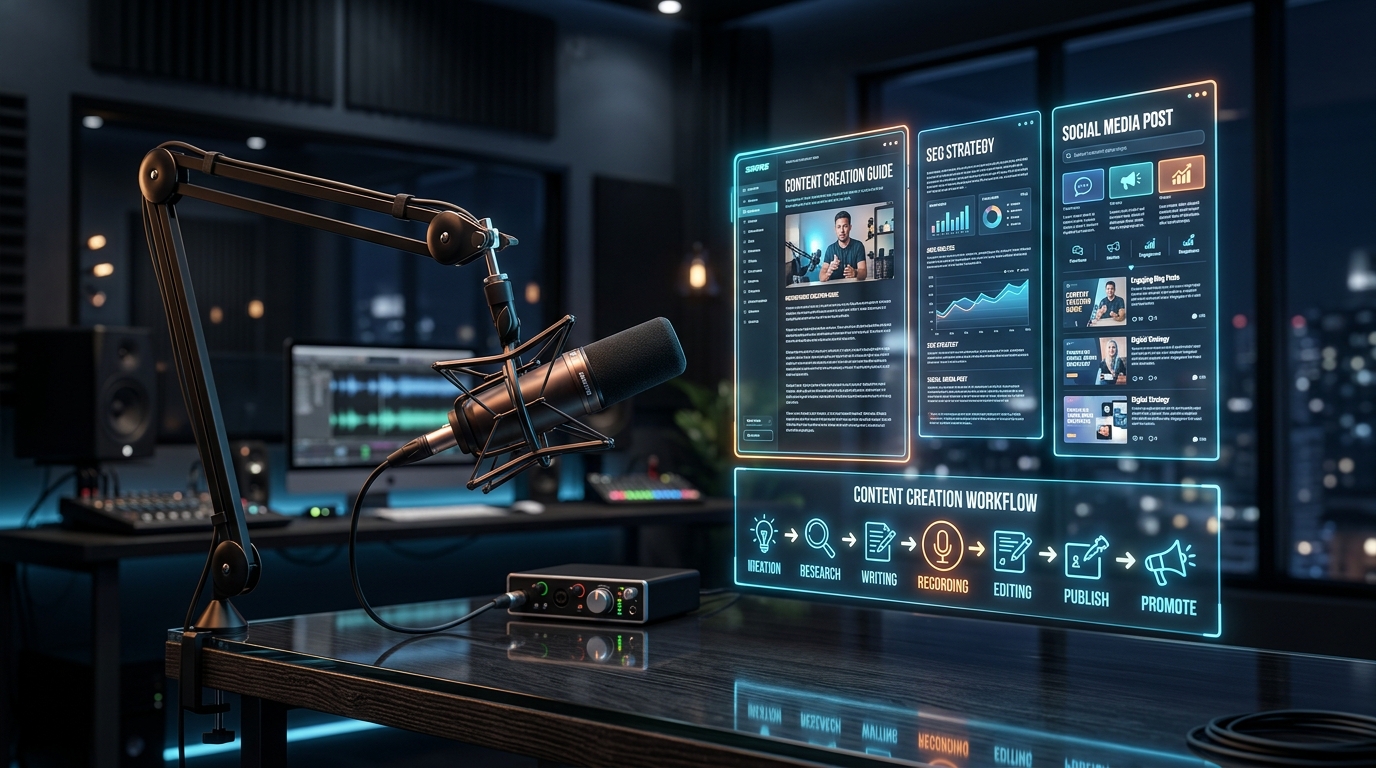
Learn how to repurpose audio podcasts into long-form SEO blog articles, YouTube descriptions, chapters, and social media quotes to multiply your traffic.

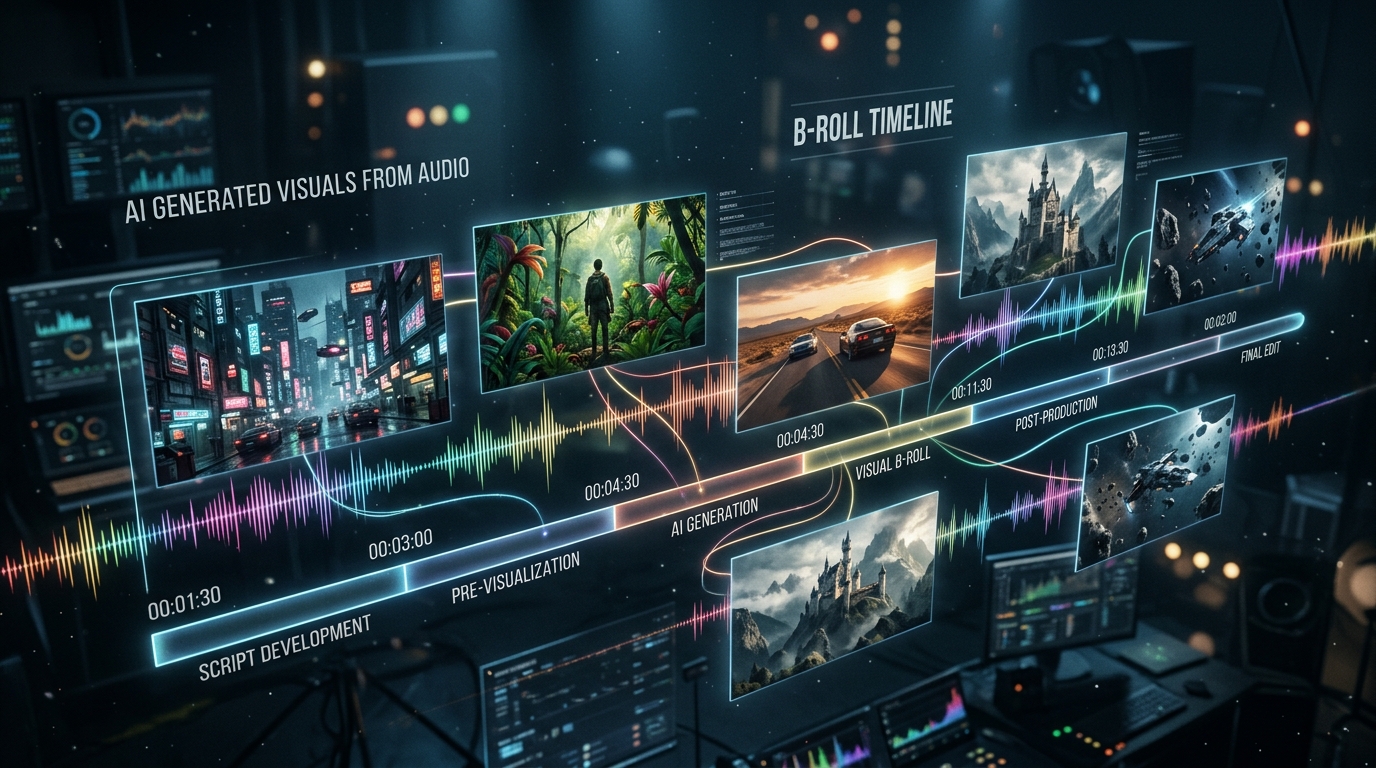
Discover how to turn spoken video scripts and podcast transcripts into photorealistic AI B-roll images and videos using ScribeStamp scene prompt extraction.
Get 30 free minutes every month. No credit card required. Export CapCut SRTs, YouTube chapters, and word timestamps in seconds.